Try Tomorra in your phone browser. iPhone and Android apps are coming soon.
Coming soon
THE NOTE. NOW A PLAN.
YOUR WEEK. YOUR FAMILY’S PLAN.
School.Sport.Clubs.Everything between.
WATCH IT WORK · 30 SECONDS
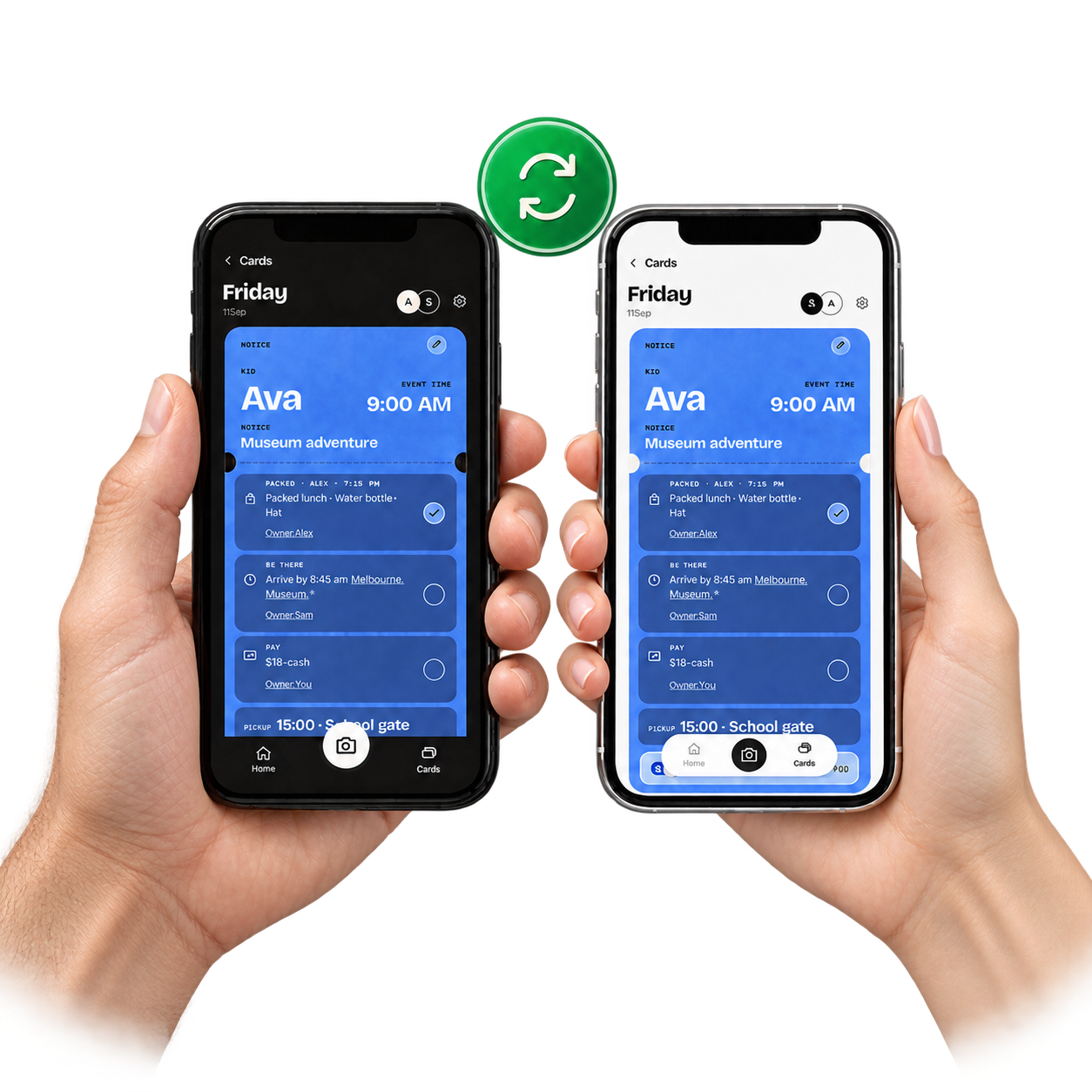
One notice in. One plan you both share.
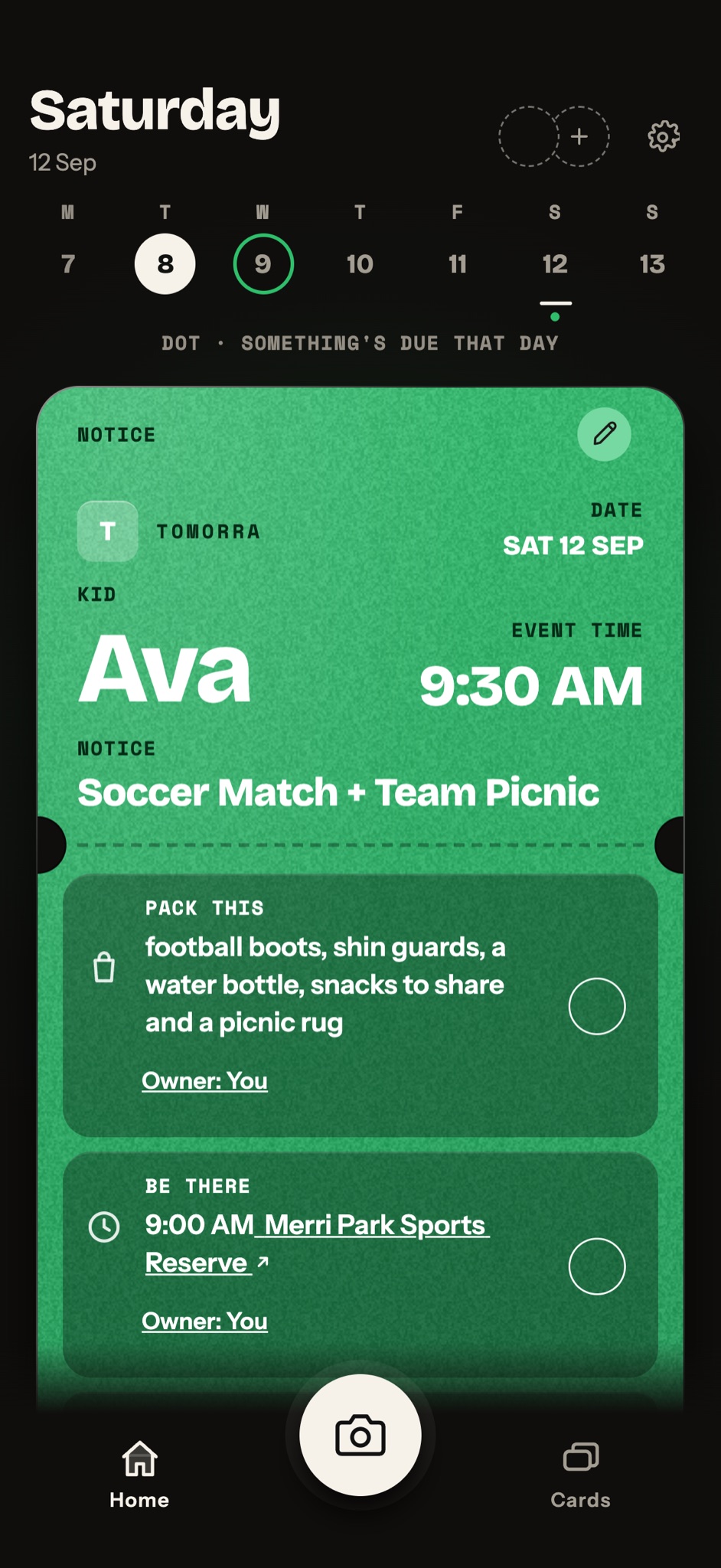
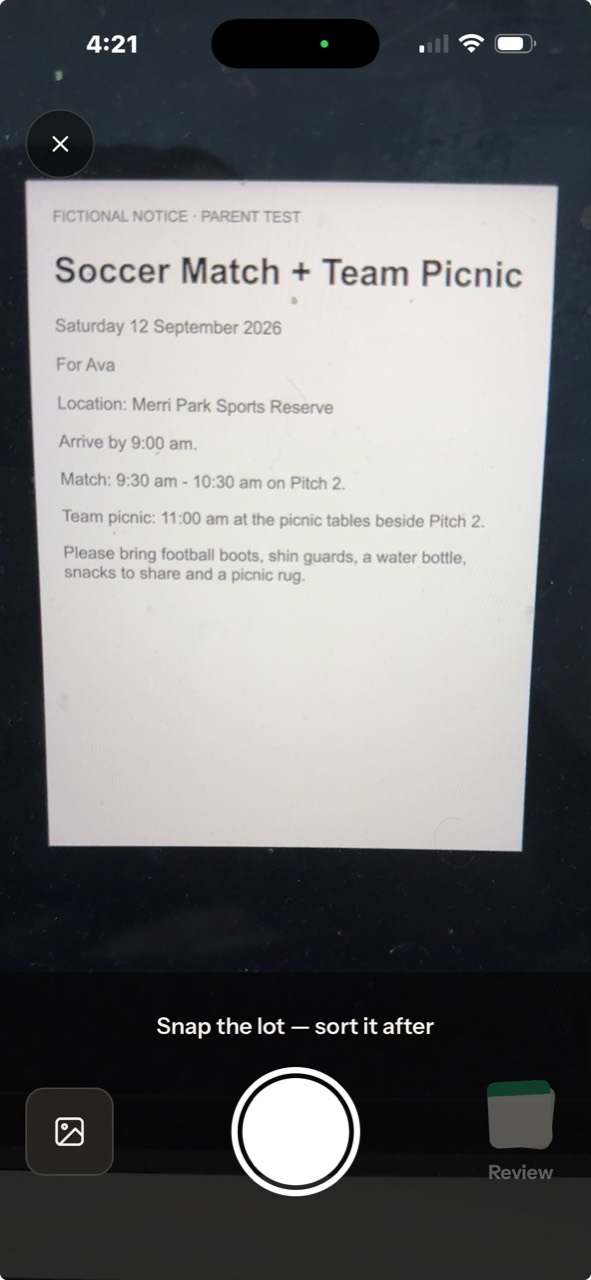
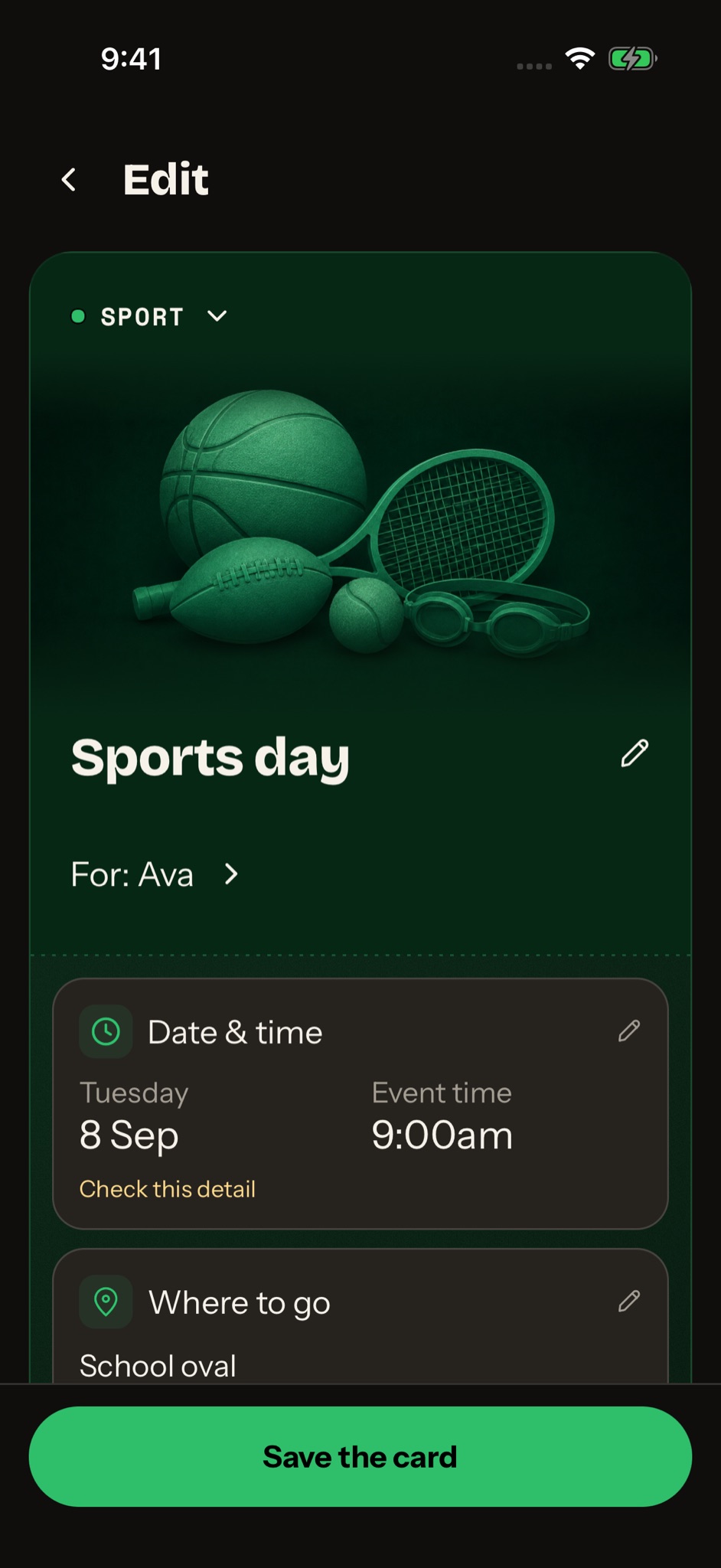
Real Tomorra screens: a parent adds a school notice, checks the details and saves the card, then shares the plan with another adult. When either of them ticks a job, both phones update. Example family and notice.
ANOTHER NOTE. ANOTHER MESSAGE.
Their plans are everywhere. Bring them together.
A note from the school bag. A sports update in the group chat. A permission slip on the kitchen table.
Take a photo or add a screenshot. Check the details, then save a plan you can share.
Start in your phone browser. No school login needed.
04 / SHARE PACKING AND PICKUP
Choose who does each job. See when it’s done.
Assign packing and pickup to another adult. Tick each task when it’s done so both adults can see what still needs doing.
Shared cards keep the family plan up to date, with a record of who did what.
01 — SNAP THE NOTICE
THE LITTLE THINGS. SHARED.
Ready for their next big day.
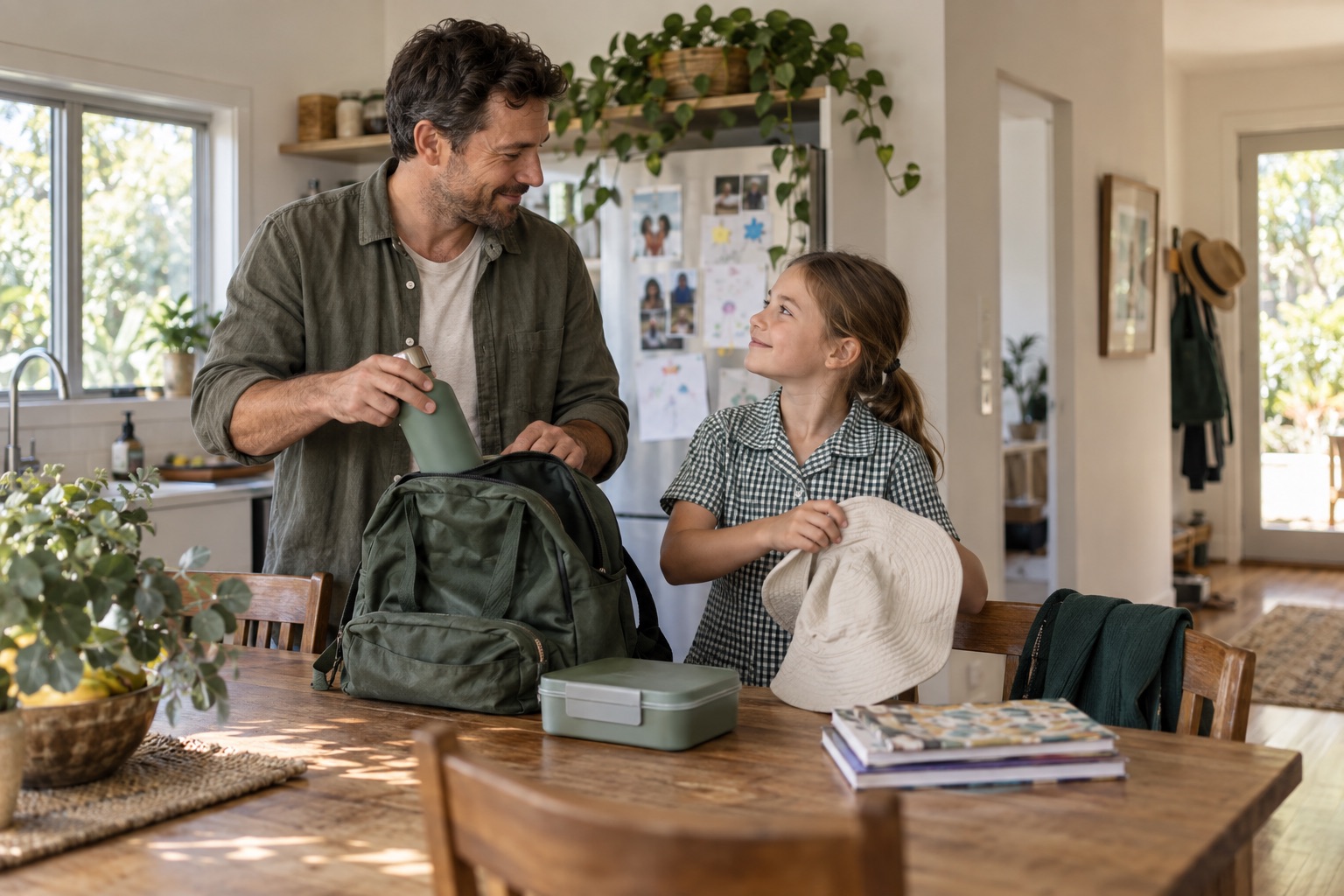
The boots. The water bottle. The signed permission slip. See what each child needs and tick it off as you pack.
Share the jobs with another adult, so the remembering doesn’t all fall to you.
SCHOOL, SPORT AND CLUB SCHEDULES
Add a term planner without typing every event.
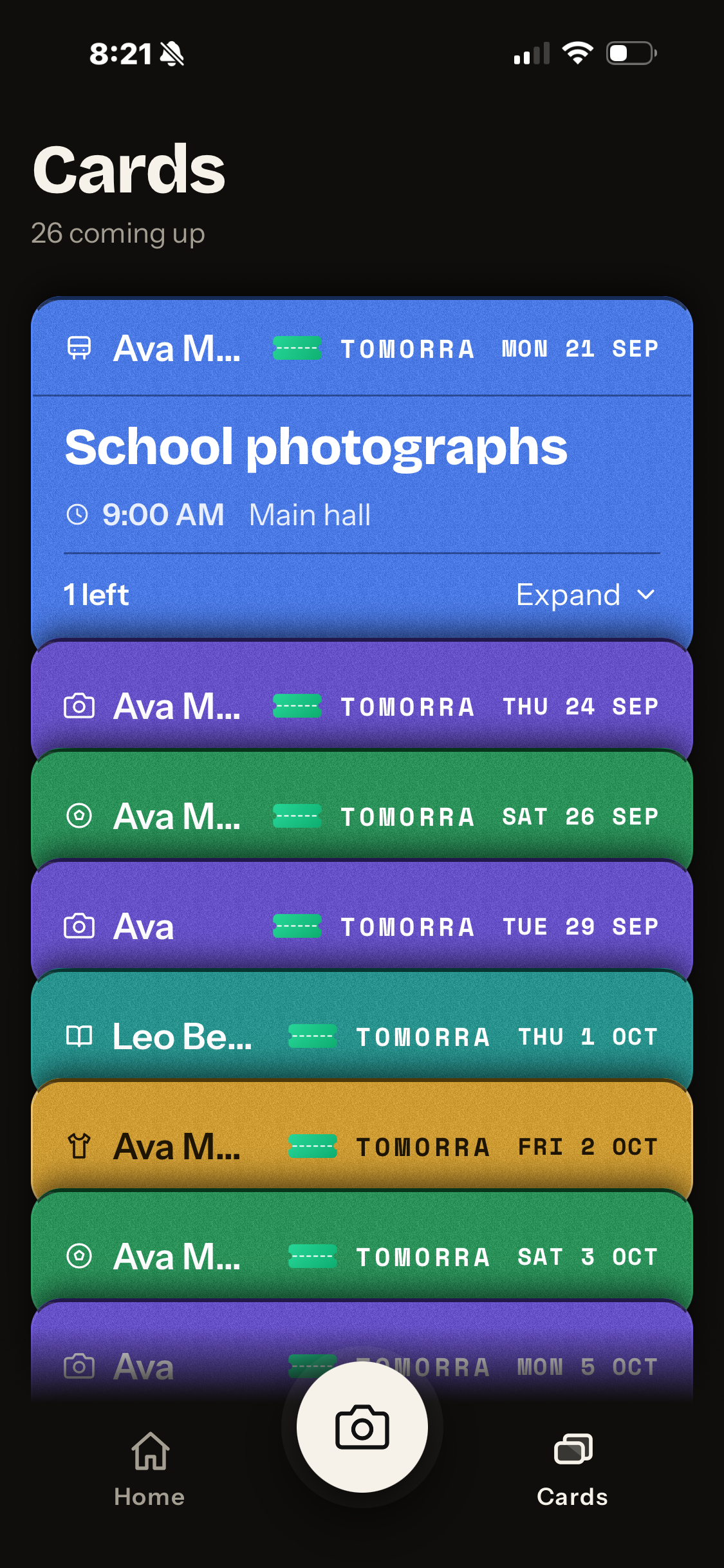
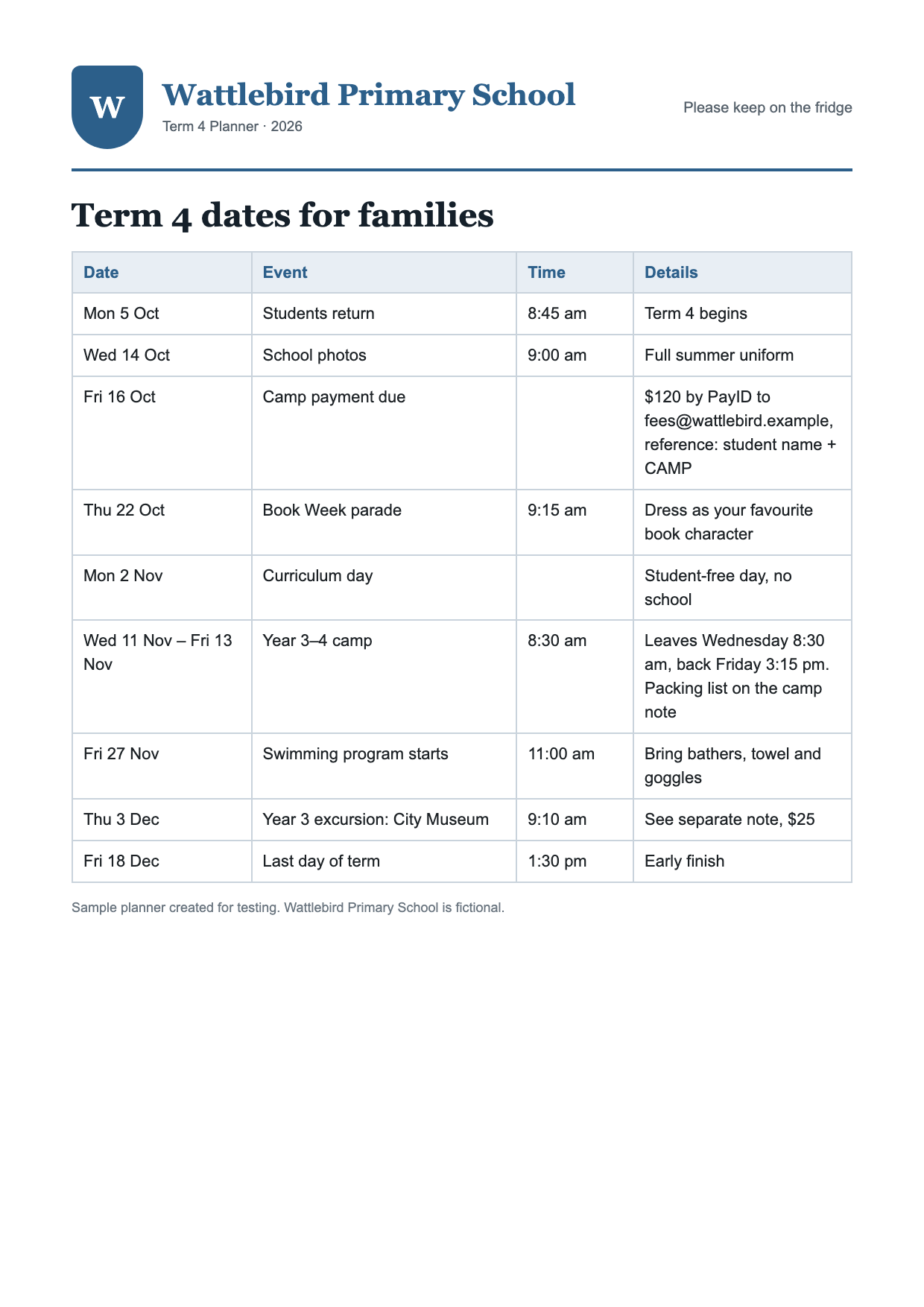
Upload a school planner, sports draw or club schedule. Tomorra suggests separate event cards for you to check and save.
Then search the stack by child, school, place or activity when you need it.
Each page is read separately. Busy pages can take longer, and you can edit the results before saving.
ONE PAGE → THE DATES YOU NEED.
A LITTLE LESS TO HOLD IN YOUR HEAD
Your family’s plans. You stay in control.
Keep the plan with the people who need it. Tomorra is for parents and carers, with no child accounts or school passwords.
On your first scan, you choose whether Tomorra may use AI to help read the notice. You can continue with on-device reading instead, and change the choice later.
The scan can make mistakes, so review the suggested details before you rely on them. Tomorra removes its temporary notice photo when you finish saving or discarding the suggested cards. Extracted text and saved card details remain; your original photo stays in Photos or its source app.